

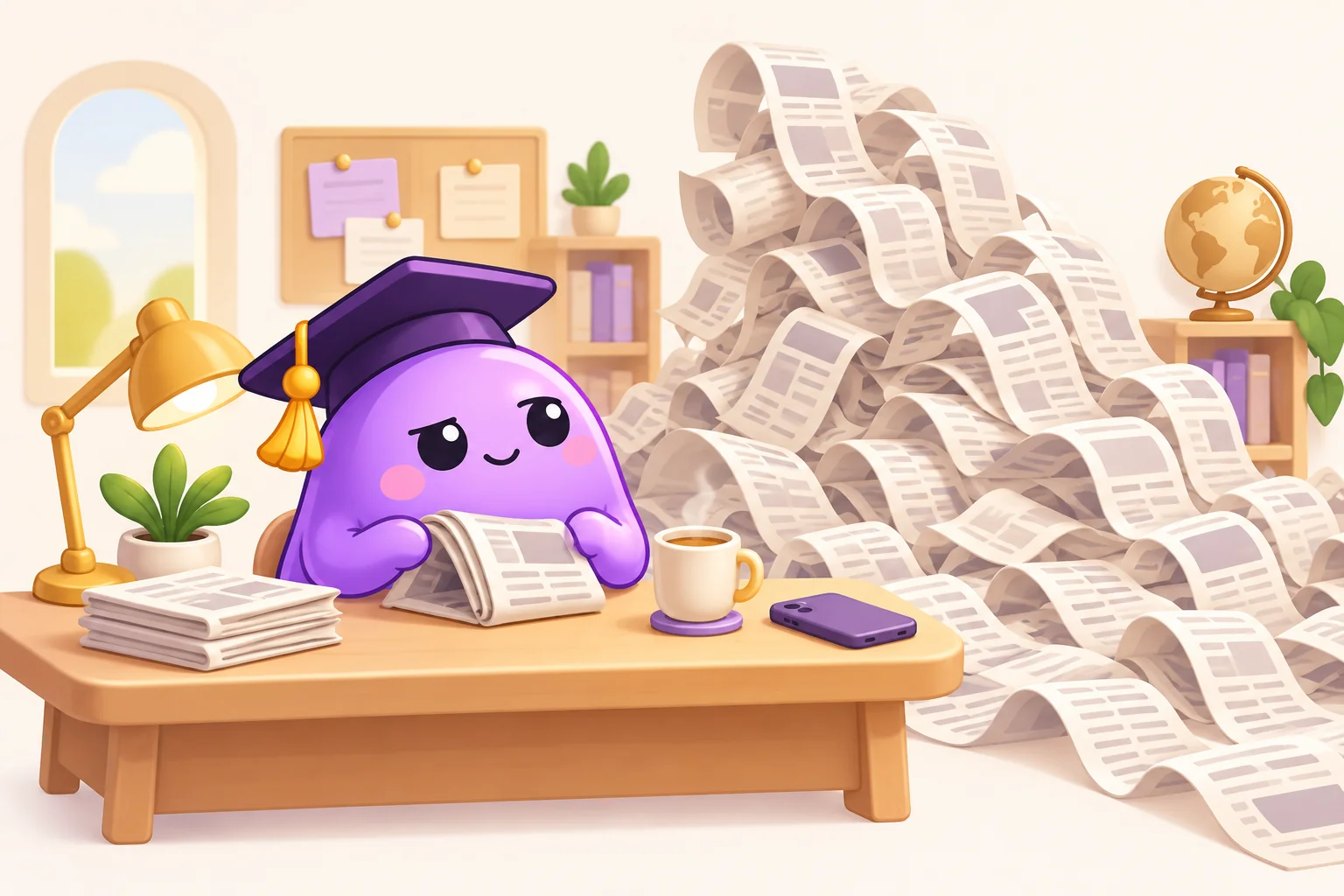
You opened the news to find out what happened. You are now reading the replies to a reply about what might happen. The original question has quietly left the room.
To stay informed without doomscrolling, give your news check a job and an ending. Decide what you need to know, go to a source that can answer it, and choose when you will check again. Keep urgent information available. The aim is to leave the repeated refreshing, not abandon the world.
This is a practical way to organise your reading, not a prescribed number of news minutes. A person following a local emergency has different information needs from someone checking the same national headline throughout an ordinary afternoon.
Give the next check one question
Before opening a feed, finish this sentence: “I am checking because I need to know…” Perhaps you want the result of a council meeting, the facts behind a headline someone sent, or whether a disruption changes tomorrow's journey.
A question gives you something you can finish. “Stay up to date with everything” does not. That job has no shift change, and the benefits are questionable.
Go directly to the relevant report or official update when you can. Check its date and whether it actually answers your question. For a disputed claim, read beyond the headline and look for the reporting or document it relies on. Several posts repeating the same claim are not several independent confirmations.
Try a small example: you hear that a local library may change its opening hours. Read the library's current notice, note the hours that affect you, and close the page. The comment thread about whether society respects books can have its own afternoon.
Choose something with an ending
A particular article, a scheduled bulletin, or a newsletter edition offers a more recognisable endpoint than a feed that keeps loading. None is automatically reliable, and a newsletter can contain more links than you want to follow. Choose a format and source deliberately, then decide what counts as finished.
You might read one overview after lunch, save a longer investigation for the weekend, and check one local update when it matters. Those are examples, not a universal schedule. If your work involves monitoring events, distinguish the work check from the browsing that continues after the task is done.
In a UC San Diego expert interview, professor Susan Tapert distinguishes purposeful news use from repeatedly consuming upsetting material without a clear goal. Planned reading windows and attention to notification habits are among the suggestions. That does not mean every difficult story is something to avoid; difficult information can be necessary.
The useful question at the end is: “What did I learn that I did not know when I started?” If the answer is mostly that strangers are still arguing, you may already have the update you came for.
Separate urgent information from another alert
Review the news alerts you receive. Which can change a decision you need to make now? Which simply announce another version of something you have already read? You can choose to mute a nonessential outlet's alerts while continuing to visit it deliberately.
Keep safety, accessibility and essential-contact needs in view. For an active local emergency, use instructions and updates from the relevant authorities. A general news-reading boundary should not interfere with getting information you need to act safely.
A useful distinction is between an action alert and a reading reminder. “This affects the route I can take today” belongs in a different category from “there is a new opinion about yesterday's event.” These are planning labels, not settings your phone necessarily provides.
Write your exception in advance: “I will check outside my usual window if it changes an immediate decision.” That makes an exception a decision you can explain, rather than an open invitation for every red badge.
When you want to refresh again
Pause long enough to name what you expect the next refresh to add. Is there a scheduled announcement you are waiting for? Check at the relevant time. Is a claim still unverified? You can leave it unverified rather than watching the speculation accumulate.
If you have a practical next step, make it specific: save the official notice, put an appointment in your calendar, or write down a question to ask later. If there is no useful action for you now, you can close the page without inventing one. Caring about an issue does not require a continuous audience with its updates.
For example, after reading an explanation of a local service change, you could note the consultation deadline and come back when you have time to respond. That preserves a real opportunity to engage. Refreshing the reactions ten more times does not move the deadline.
If reaching for a social feed is the automatic part, Blob puts a math problem before selected distracting apps open. It can provide a pause at that entrance. It does not evaluate reporting, choose trustworthy sources or decide when an update is urgent. See how Blob's pause works if that fits the habit you want to interrupt.
Our iPhone guide and Android guide cover app boundaries. For a news check that keeps following you into bed, use the bedtime guide.
Keep the information you need
After a few ordinary days, review the arrangement. Did you miss anything that changed a decision? Could you find it when you needed it? Did the check end where you intended, or did the same scrolling move to another app?
Adjust the source, timing or stopping point around those answers. The goal is a workable relationship with information, not an impressive streak of avoiding it.
The American Psychological Association's reporting on media overload discusses links between news exposure and distress, while noting that some research cannot establish cause and effect. It does not supply a diagnosis for everyone who reads a lot of news. If the pattern is causing persistent distress or interfering with daily life and feels hard to manage, a qualified health professional can help you consider what support fits.
For the wider phone habit, start with our seven-day screen-time reset. For this check, let “I found what I needed” be a perfectly respectable ending.
Sources and editorial notes
By Blob, the app's publisher. Sources checked November 1, 2026. The APA article is reporting from 2022; the UC interview was published in 2025. The questions and examples here are editorial planning tools, not a tested treatment. Reddit discussions informed the research questions; personal stories and medical claims were not reused.