

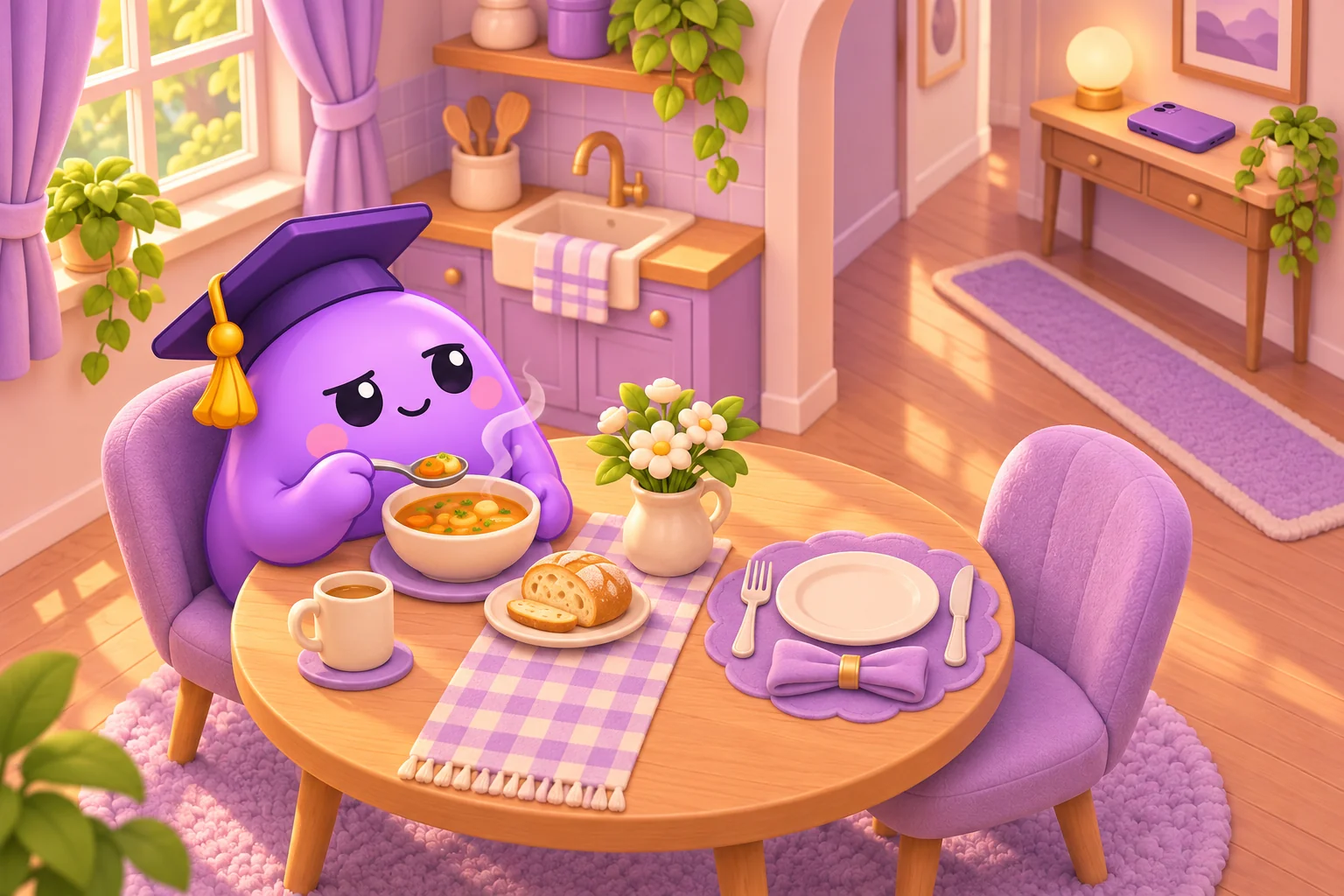
You have made lunch. You have found a chair. Now you need a video, apparently, because soup cannot be left unsupervised.
To stop scrolling while eating, choose one meal to practise, put the feed out of easy reach before you sit down, and decide what happens when the meal is finished. Keep the phone functions you actually need. You can have company, background music or a quiet few minutes; the aim is to stop opening an endless feed by default, not to pass an examination in eating silently.
Choose the meal that needs a change
A rushed breakfast, a lunch alone at your desk and dinner with friends are different situations. Pick the one where phone use is leaving you dissatisfied. Perhaps lunch ends and you realise you never took a break from work. Perhaps you keep hunting for something to watch while the food cools. Perhaps conversation keeps stopping halfway through a sentence.
Give that occasion a specific aim: “I want a lunch break that ends with me feeling ready to leave the table,” or “I want to hear the person sitting opposite me.” A vague rule about being less addicted gives you much less to work with.
Start with one ordinary meal. There is no need to announce a household policy, delete every app or purchase a wooden box with an unusually serious name.
Sort out the phone jobs before the food arrives
Some meals involve a phone for good reasons: a restaurant menu, an accessibility tool, a message about collecting someone, or paying the bill. Finish the task you can finish beforehand. Keep access to the one you cannot.
At home, this might mean checking the message, choosing music if you want it, and leaving the phone on a shelf while you eat. At a café, it could mean reading the menu, placing the order and putting the phone back in your bag. Choose a place you can still reach when needed, without making the feed the first thing you see beside your plate.
If an alert is what usually brings you back, review notifications rather than relying on the phone being face down. Android's Modes and Do Not Disturb settings can filter interruptions from people and apps; settings vary by device. Check the people, alarms and tools you need before turning a mode on. Silencing notifications does not stop you from opening an app yourself.
For actual app restrictions, use the separate Android or iPhone guide. Lunch does not require a new phone configuration if simply moving it works for you.
Eating alone does not have to mean compulsory silence
If a quiet meal sounds pleasant, try it. Look out of the window, taste your food, or let your thoughts wander. You do not need to count chews, become exceptionally mindful or generate a meaningful insight before the last bite.
If you want some company or sound, choose it before sitting down. A familiar album or a radio programme may suit you better than repeatedly choosing the next clip. The useful question is whether you chose something you enjoy, or whether your lunch break has become another search for something to enjoy.
You can also keep a deliberate screen activity. A planned video call with a friend is a different use from opening a feed without deciding to. If you choose a programme, you are allowed to stop or pause it when lunch is done. An unfinished episode is not an outstanding invoice.
Keep eating comfortably and adequately as the priority. If media helps you do that, there is no requirement to remove it. This experiment concerns an unwanted scrolling habit; it is not a set of rules about food, portions or body weight.
Make shared meals an invitation
Ask for the part you actually want: “Could we put our feeds away while we eat? I'd like to catch up.” That is more useful than diagnosing everybody at the table from their weekly screen-time report.
Agree on exceptions without making people defend every glance. Someone may be on call, checking on a family member or using an assistive tool. They can say what they need and return to the conversation when they can. Your phone boundary is yours to choose; another person's phone is theirs.
When you need to check something, name the task and finish it: “I'm checking the pickup time.” Then put the device back. The point is to make the interruption understandable, not to begin a monitoring arrangement over dinner.
Give lunch a clear ending
Decide on an ordinary next action: clear your plate, put the leftovers away, wash your mug or move to another chair. If you want to check your phone afterwards, choose that separately. Otherwise a finished meal can become a convenient place to sit through another twenty clips.
If you find yourself in the feed halfway through eating, put it down and carry on. Next time, change the entrance that caught you: the alert, the phone left beside the glass, or the search for background entertainment. Our autopilot guide goes further into that moment.
Blob puts a math problem before selected distracting apps open. If that kind of pause would help at the app boundary, see how Blob works. It will not decide what a good meal looks like for you.
After a few meals, ask whether the arrangement gave you the break or conversation you wanted. Keep the part that helped and adjust the awkward part. For a broader change, there is a seven-day screen-time reset. For today, lunch can simply have an ending.
If you want to agree on shared phone-free time together, read our guide to phone boundaries with your partner, with practical conversation examples and room for necessary phone use.
Sources and editorial notes
By Blob, the app's publisher. Sources checked November 3, 2026. Google's documentation supports the Android notification description. The meal arrangements are practical editorial examples, not nutrition guidance or a tested treatment. Reddit discussions informed the research notes; no personal story or health claim from a thread was republished.